

MyChart gives you access to your medical records from the comfort of your own home. It’s a convenient tool that helps you stay at the center of your care team, keeping you in control of achieving your best health.
Through MyChart, you can schedule appointments, access test results, communicate with your care provider, request prescription refills, tell an Emergency Center or Urgent Care you’re on your way, and more. You can do it all with the confidence that your information is safe and accessible only to you.
Frequently Asked Questions
There are several different methods of signing up for Kettering Health MyChart, including
- Clinic staff signing you up directly at an office front desk or in an exam room.
- Receiving a Kettering Health MyChart activation code on your After Visit Summary or on a billing statement.
- Receiving a text message or email with an activation code when you come in for a visit.
- Self-signing up online by matching your information to what we have on file or through third-party identity verification.
If you’re waiting for a test result, please allow seven days for it to appear in MyChart. If you need any further information, use the Request for Health Record form, which will be sent to our Release of Information Department. You will receive a notification once your records are available for download. Your records will be available for download for one year from the date they were sent.
Please allow two business days for your care team to respond to any messages.
Please note: MyChart is not constantly monitored and messages are not answered on weekends, holidays, or outside of the office or clinic’s business hours.
MyChart messages should not be used in urgent situations. Contact your medical center if the situation requires immediate attention or call 911 in an emergency.
Yes, you can access your family member’s medical records through MyChart proxy access. You must be at least 18 years old to have proxy access to another person’s medical records.
To grant a family member or friend proxy access to your medical records, invite them through the Friends and Family Access button on the Sharing Hub page. If you cannot access MyChart, you can grant them access by completing a proxy form and returning it according to the instructions on the form.
If you are requesting access for a child under the age of 14, you may do so through the Request to Access a Minor’s Record page.
Children under 14 cannot create their own MyChart account. Once a patient turns 14, they may create their own account and choose to invite a parent or guardian as a proxy. Until then, a parent or guardian must use a proxy account to view the child’s information.
Log in to MyChart and select “MedBridge Home Exercise Program” from the left-hand menu. Any exercises or educational materials assigned by your provider will appear there.
Yes. To link your accounts from another health system, log in to MyChart and select “Link My Accounts” from the left-hand menu.
From there, you can search for the organization you’d like to connect by name, city, or state. Once you find it, you’ll need the login credentials set by that organization (this may be a username, password, or date of birth) to complete the link.
You can call our Kettering Health MyChart Patient Support Line at (937) 384-4893.
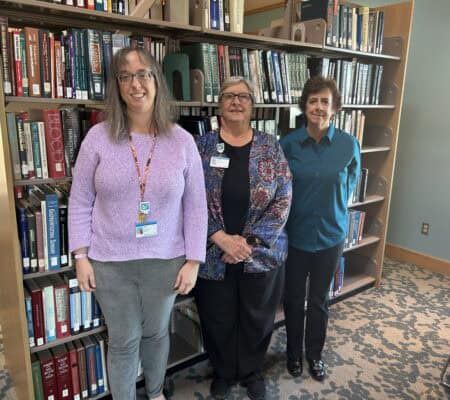
MyChart classes and one-on-one sessions are now available at select Dayton Metro Library branches. Through these classes, patients can learn to navigate MyChart, schedule appointments, view test results, refill prescriptions, and more. For a list of dates and locations, click here or call Dayton Metro Library at (937) 463-2665.